You finish a long workday, stand up from your desk, and feel it right away. A tight, achy band across the base of your skull and the tops of your shoulders. Maybe it eases up overnight. Maybe it is still there the next morning when you reach for your phone. If that sounds familiar, you are dealing with something we see constantly at STL Physical Therapy, and the good news is that text neck treatment can make a real difference once you understand what is driving it.
Text neck, also called tech neck, is the neck and upper back pain that builds when you spend hours looking down at a phone, tablet, or laptop. Your neck was built to move, and it handles plenty of load. It just gets overworked when it has to hold the same forward position for most of the day, every day.
Lasting relief comes from understanding how your desk setup, your daily habits, and the strength in your upper body fit together. This guide walks you through each piece.
What Is Text Neck?
Tech neck is any form of chronic neck or shoulder pain, soreness, or stiffness caused by poor posture while using technology like phones or computers. The name is new. The problem behind it is pretty simple.
An adult head weighs about 10 to 12 pounds. When it sits balanced over your shoulders, the muscles in your neck and upper back barely have to work to hold it there. As your head drifts forward and down, that changes fast. One frequently cited study on head posture estimated that tilting your head forward just 15 degrees puts about 27 pounds of force on your neck. At 60 degrees, the angle a lot of us hit while scrolling, that number climbs to around 60 pounds.
You do not feel that load in the moment. You feel it hours later as tight muscles, stiff joints, and a neck that is worn out by mid-afternoon. Over time, this forward head posture can become your default, even away from a screen.
Why Your Desk Setup Matters as Much as Your Phone
Phones get most of the blame for text neck, but your workstation is often the bigger factor. Many people spend eight or more hours a day at a computer, and small setup problems add up quickly over a full workweek.
Laptops are a common culprit. The screen sits low, so your head tips down to see it, and raising the screen puts the keyboard out of comfortable reach. Work from a couch or kitchen table and your neck and upper back pick up even more of the strain.
Your body tends to choose visual comfort over postural comfort. If the screen is too low, too far away, or too small to read easily, your head will move toward it every time, no matter how good your intentions are about sitting up straight. That is why desk posture is as much about how your space is set up as it is about willpower.
Signs Text Neck Is Catching Up With You
Text neck tends to build quietly. Most people do not notice it until a few of these start showing up together.
- Neck stiffness or soreness that gets worse as the day goes on
- Tightness across the tops of your shoulders or between your shoulder blades
- Headaches that start at the base of your skull
- Trouble turning your head fully to check a blind spot
- A feeling that your head sits in front of your body when you see yourself in photos
- Rounded shoulders that are hard to pull back for more than a few seconds
- Aching that eases on the weekend and returns by Tuesday
If you also notice numbness, tingling, or weakness traveling into your arm or hand, that is a sign to get it checked sooner rather than later. Those symptoms can point to an irritated nerve in the neck, and they deserve a proper evaluation.
Desk Posture Fixes You Can Make Today
You do not need to buy a whole new office to take pressure off your neck. A few adjustments go a long way, and most of them cost nothing.
Raise your screen. The top of your monitor should sit at or slightly below eye level. If you work on a laptop, a stand plus a separate keyboard and mouse is one of the best upgrades you can make for your neck. A stack of books works in a pinch.
Set the distance. Keep your screen about an arm’s length away. If you find yourself leaning in to read, bump up the font size instead of moving your head closer.
Support your lower half. Adjust your chair so your feet rest flat on the floor, or use a footrest. When your hips and lower back are supported, your upper body has an easier time staying stacked.
Keep your arms relaxed. Your keyboard should sit right in front of you, with your wrists and forearms in line and your shoulders loose. If your shoulders creep toward your ears while you type, something is too high.
Bring your phone up. Hold your phone closer to eye level and let your eyes do more of the looking down instead of your whole head. Propping your forearms on a pillow while you scroll can help a lot.
A good reference point is ears over shoulders and shoulders over hips. You will not hold that perfectly all day, and you do not need to. The goal is to make that position easy to come back to.
Text Neck Exercises That Help
Ergonomics reduces the load on your neck. Strength and mobility help your body handle the load that is left. Both matter.
These text neck exercises are a good place to start. Move slowly, stay in a comfortable range, and stop if anything causes sharp pain or symptoms that travel into your arm.
Chin Tucks Sit tall and gently draw your chin straight back, as if making a double chin, without tipping your head up or down. Hold for a few seconds and relax. This wakes up the deep muscles at the front of your neck that help hold your head in a good position.
Upper Back Extension Over a Chair Sit in a chair with a firm back that hits around your shoulder blades. Support your head with your hands and gently arch your upper back over the chair, then return. A stiff upper back forces your neck to do more of the moving, so getting this area to move again takes pressure off.
Doorway Chest Stretch Place your forearms on either side of a doorframe and step gently through until you feel a stretch across your chest. Hours of reaching for a keyboard can leave your chest tight and pull your shoulders forward.
Shoulder Blade Squeezes or Band Rows Pull your shoulder blades back and down, hold briefly, and release. With a resistance band, turn this into a row. Strong muscles between your shoulder blades make it easier to sit tall without feeling like you have to force it.
Movement Breaks Even a great setup wears on you if you stay frozen in it for hours. Get up, roll your shoulders, and look around the room every 30 to 45 minutes. Short, frequent breaks do more than one long stretch at the end of the day.
If your neck keeps flaring up anyway, something else is usually in the mix, and that is where a closer look pays off.
What Text Neck Treatment Looks Like in Physical Therapy
General posture tips can only go so far, because text neck looks a little different for everyone. One person’s pain comes mostly from a stiff upper back. Another’s comes from weak shoulder blade muscles, jaw tension, or a desk setup that fights them all day. Good text neck treatment starts by figuring out which pieces apply to you.
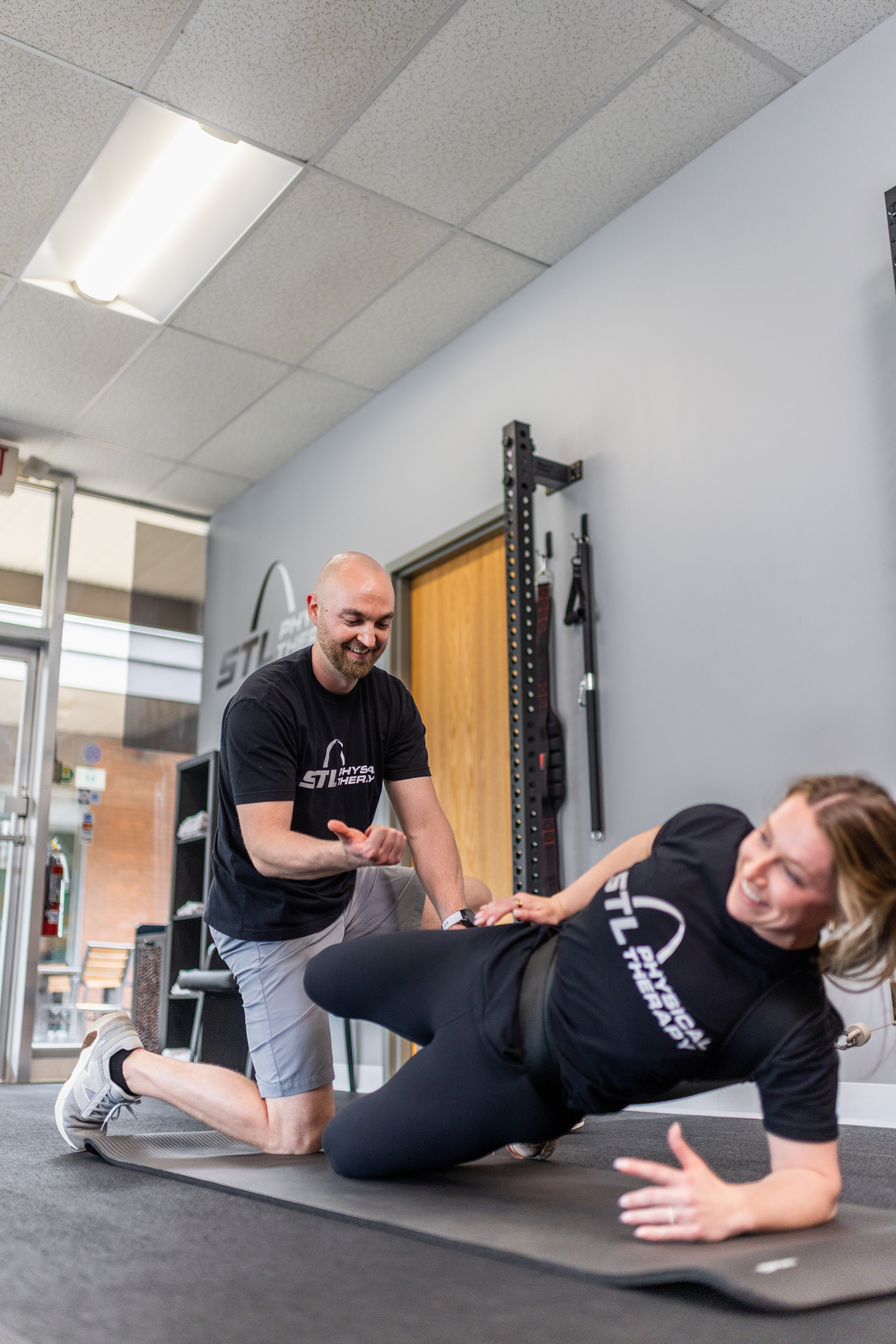
A Full Movement Evaluation. At STL Physical Therapy, you work one-on-one with a physical therapist from your first visit. We look at how your neck, upper back, shoulders, and even your lower back are moving and working together. We also talk through your day, including your workstation, how much time you spend on your phone, how you sleep, and what activities you want to keep doing.
Hands-On Care to Ease Pain. When the muscles and joints around your neck are tight and irritated, it is hard to move well enough to make progress. Manual therapy can help calm things down and restore motion. When it makes sense, dry needling may be used to help release stubborn muscle tension. These tools are one part of your plan and work best alongside the active work that follows.
Mobility and Strength That Lasts. We build on what we find in your evaluation. That often means restoring rotation and extension through your upper back, strengthening the deep neck muscles and the muscles around your shoulder blades, and building enough endurance that a good position feels natural instead of exhausting.
Habits That Fit Your Real Life. We help you adjust your workstation and phone habits in ways you can keep up with, so you can manage this on your own long after your visits end.
Text neck often shows up alongside other issues, too. Tension headaches, shoulder pain, and even low back pain can all trace back to the same desk-bound posture habits.
When to See a Physical Therapist for Text Neck
Self-care is a smart first step. It makes sense to get a professional opinion if any of these sound like you.
- Your neck pain has lasted more than a couple of weeks or keeps coming back
- Headaches are becoming more frequent
- You have pain, tingling, or numbness in your shoulder, arm, or hand
- Exercises and desk changes help a little, but the relief never sticks
- Neck pain is affecting your sleep, your workday, or the activities you enjoy
Starting earlier usually means a shorter road back, because your body has had less time to settle into compensations.

Frequently Asked Questions
What is the best text neck treatment?
The most effective approach combines a few things, including better workstation and phone habits, mobility work for the upper back, and strengthening for the deep neck and shoulder blade muscles. Physical therapy pulls those pieces together into a plan based on what is actually driving your symptoms.
Can text neck be reversed?
In most cases, yes. Forward head posture and the pain that comes with it usually respond well to consistent changes in strength, mobility, and daily habits. The sooner you start, the easier it tends to be.
How long does it take to fix text neck?
It depends on how long you have had symptoms and what is contributing to them. Many people start to feel a difference within a few weeks of consistent work. Building the strength and habits to keep it from coming back usually takes a bit longer.
Is tech neck the same as text neck?
Yes. Both names describe neck and upper back pain linked to looking down at screens for long periods. “Text neck” came from phone use, while “tech neck” covers computers, tablets, and laptops too.
Do I need a referral to see a physical therapist in Missouri?
No. Missouri’s direct access law allows most people to start physical therapy without seeing a physician first, so you can usually schedule an evaluation directly.
Get Your Neck Back on Your Side
Text neck is common, but sore shoulders and afternoon headaches do not have to be part of your workday. A better desk setup, a few smart exercises, and a plan built around how you actually move can change how your neck feels by the end of the day.
If you have tried adjusting your posture on your own and the pain keeps finding its way back, our team at STL Physical Therapy can help. We offer one-on-one text neck treatment in St. Louis that looks at the whole picture and builds a plan around your work, your routine, and your goals. Book your evaluation today or call us at (314) 275-0703.